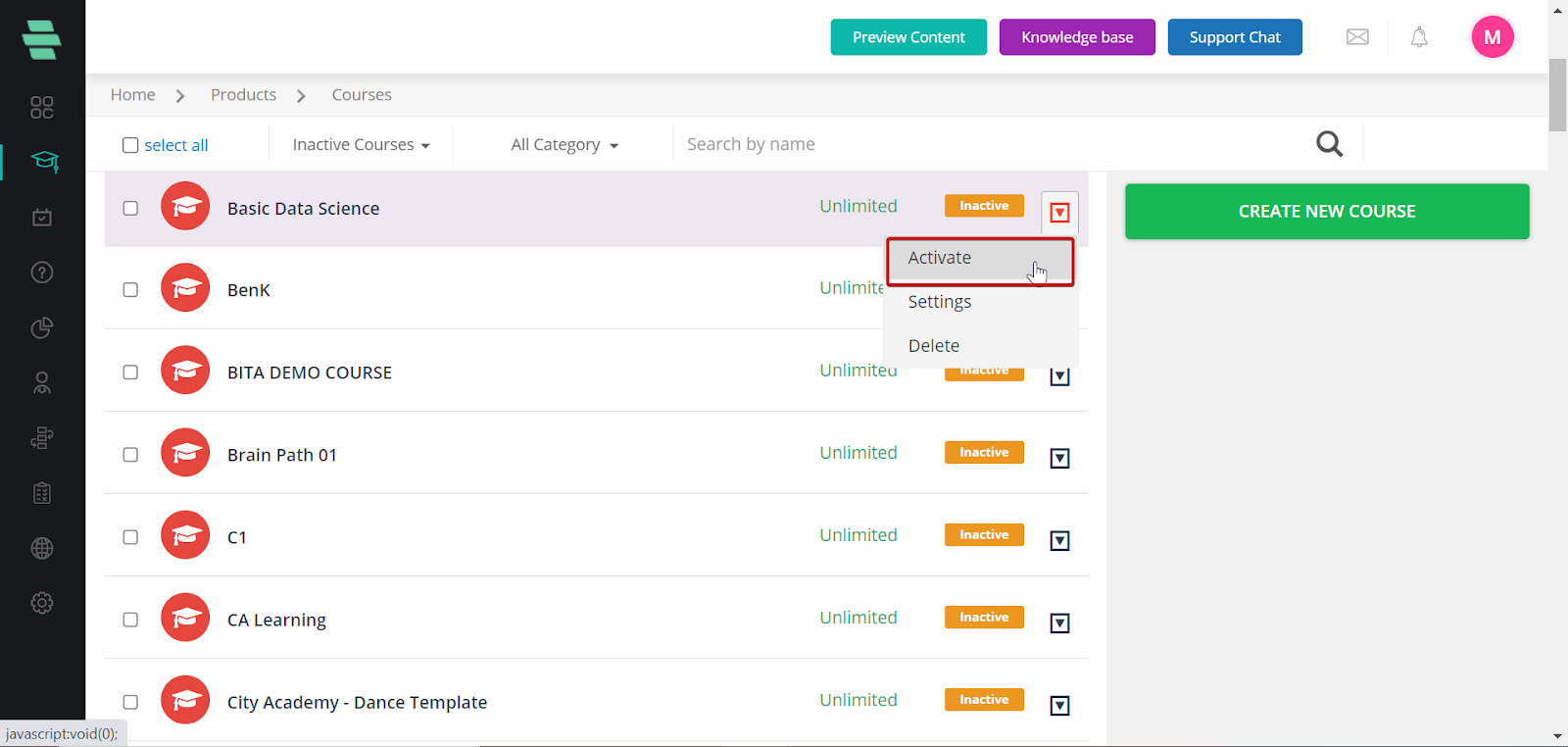
This session provides detailed instructions on creating and managing your online learning courses.
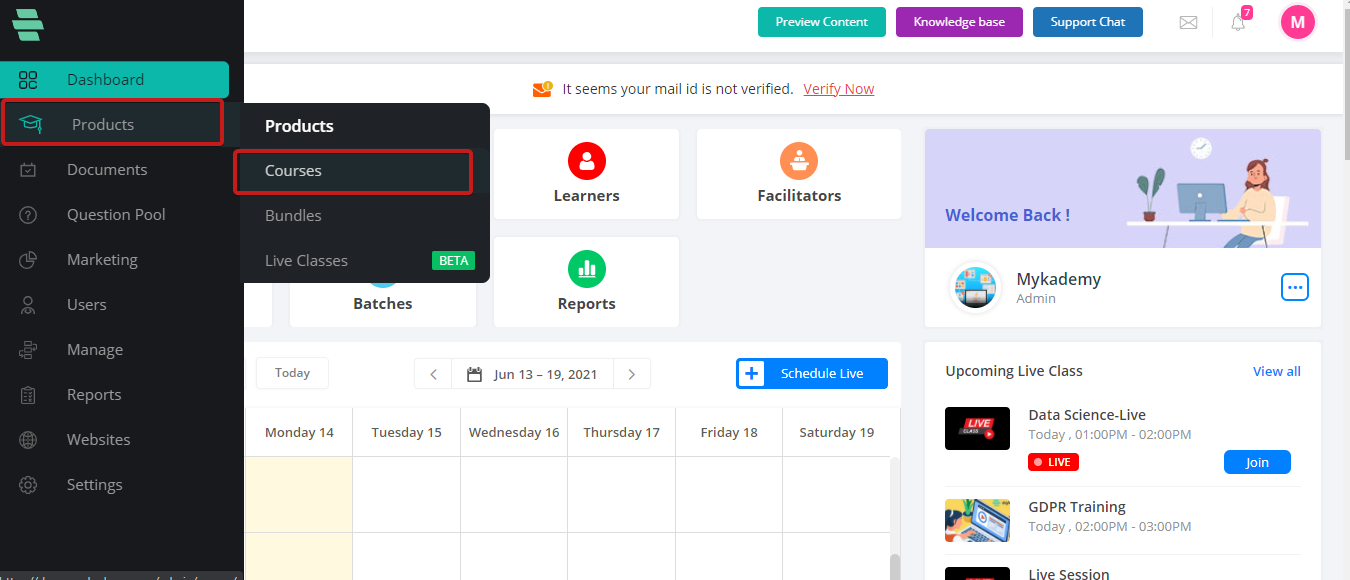
To Create a new course, from the dashboard, go to Courses under Products.
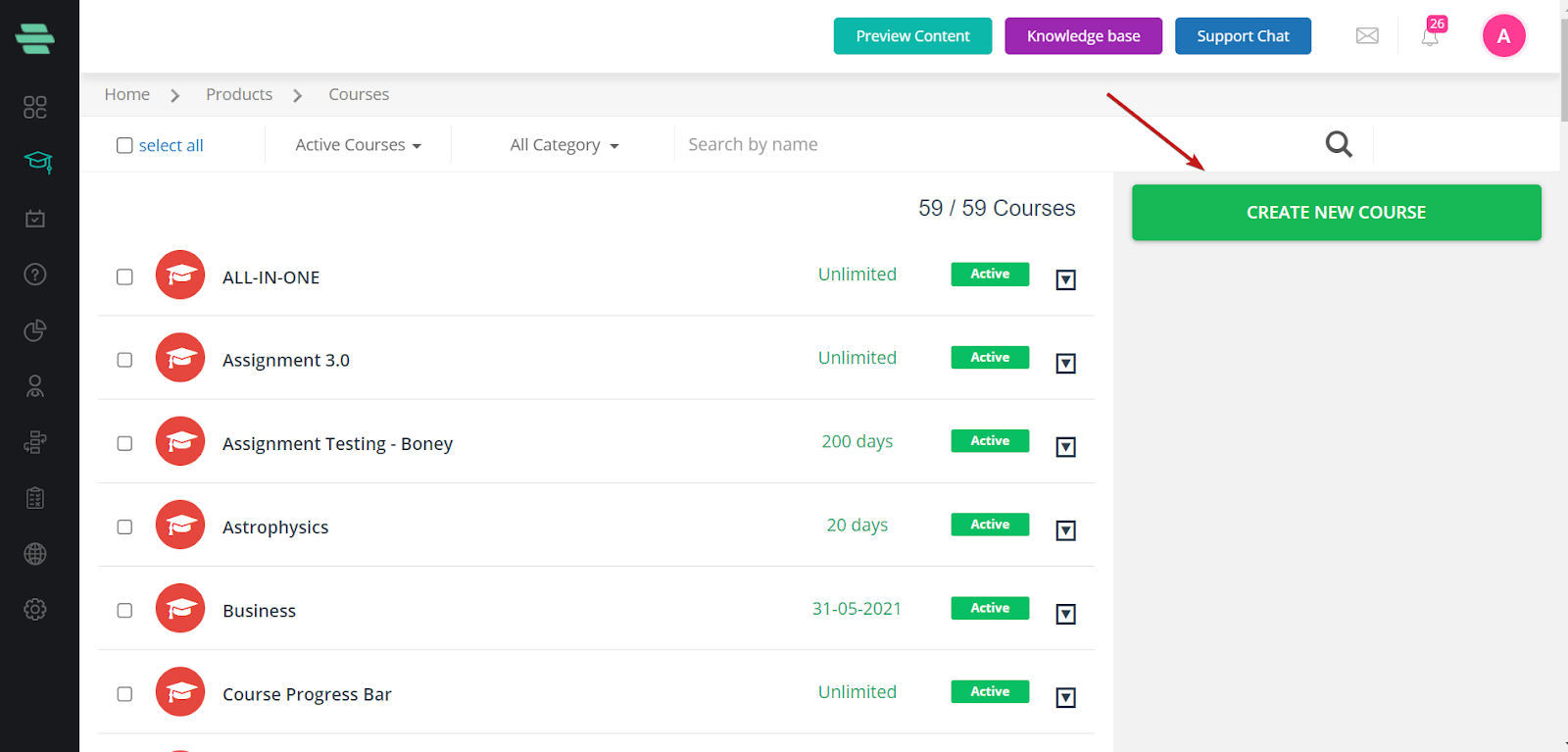
Click on CREATE NEW COURSE
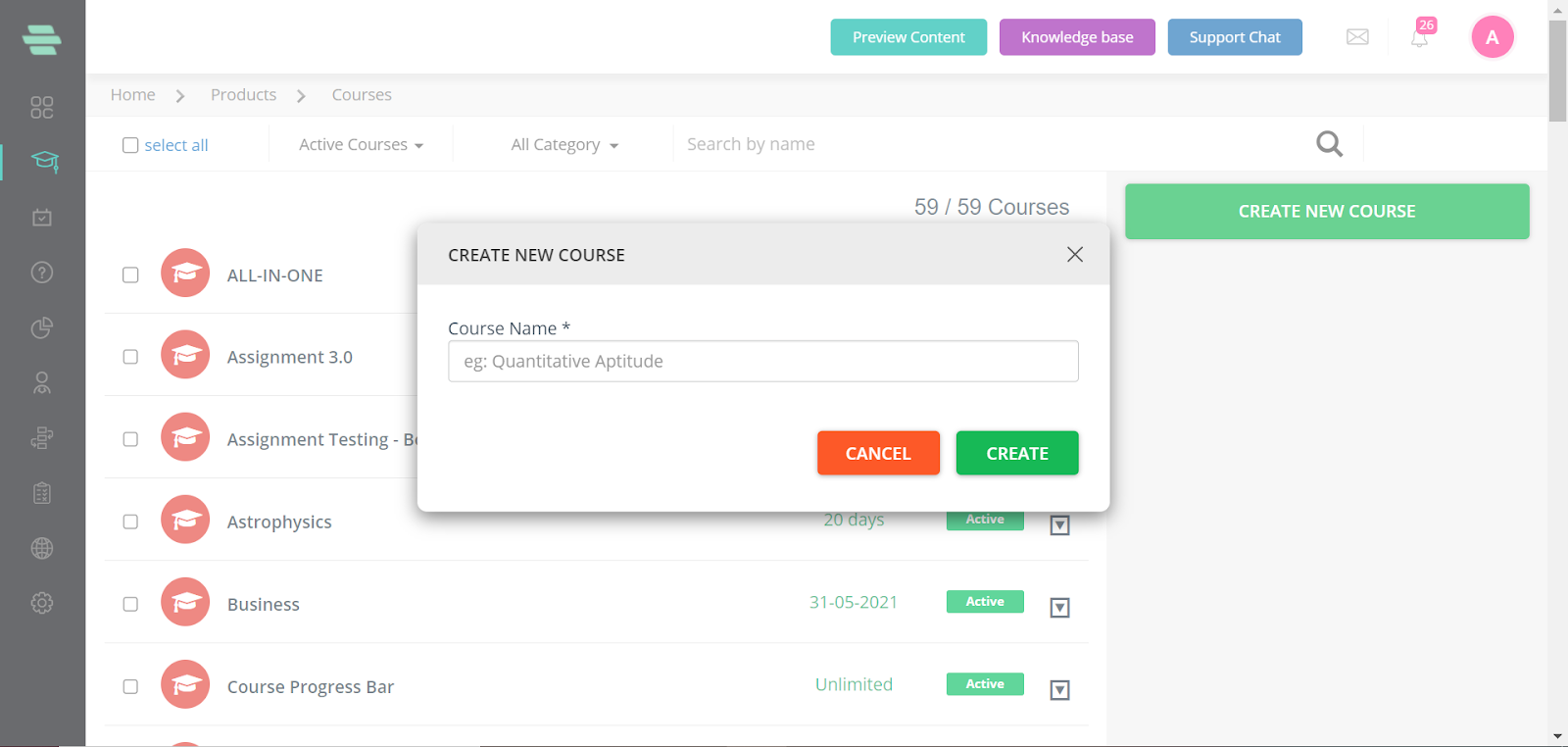
Give the course name
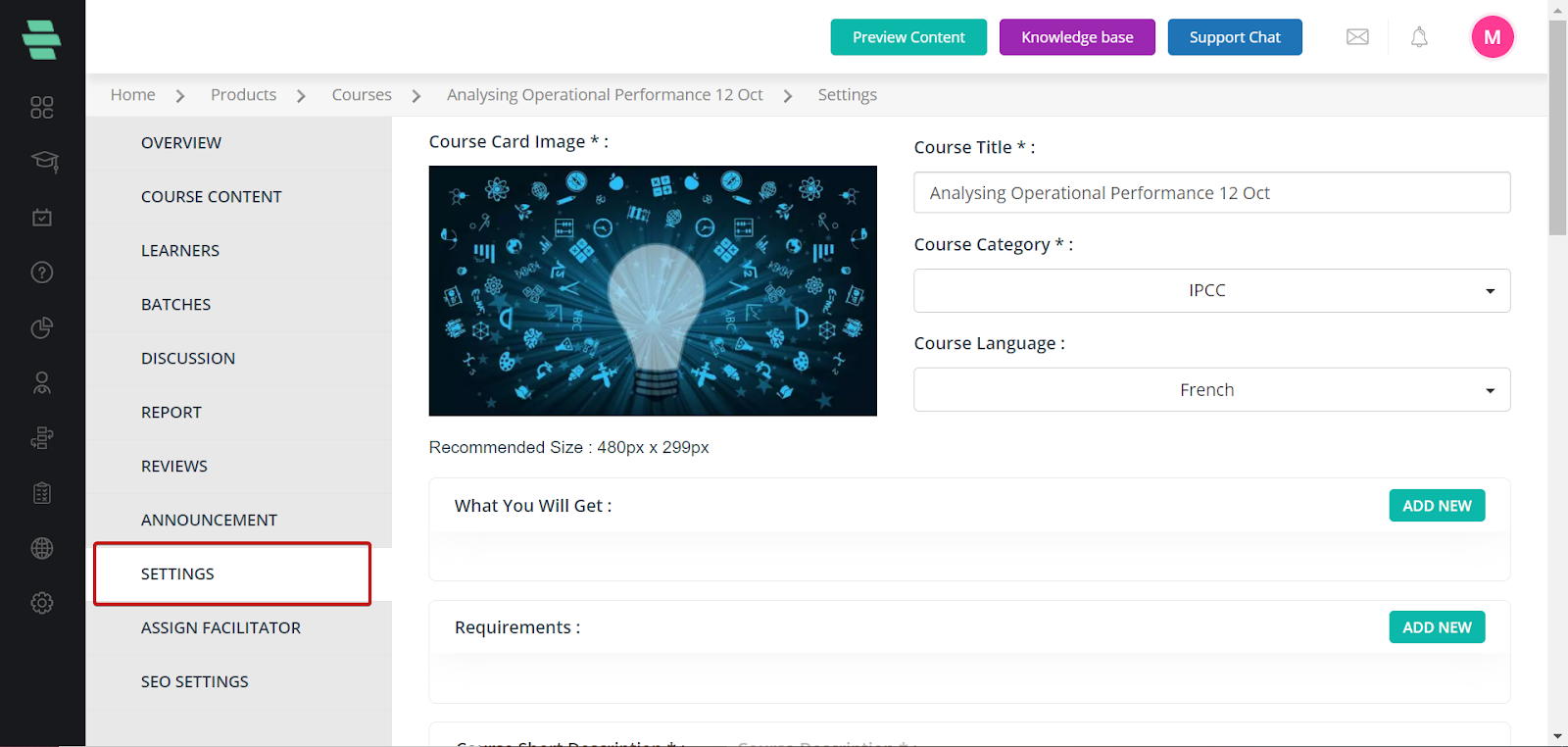
Go to Settings to provide course image, category, description, fee, and other details.
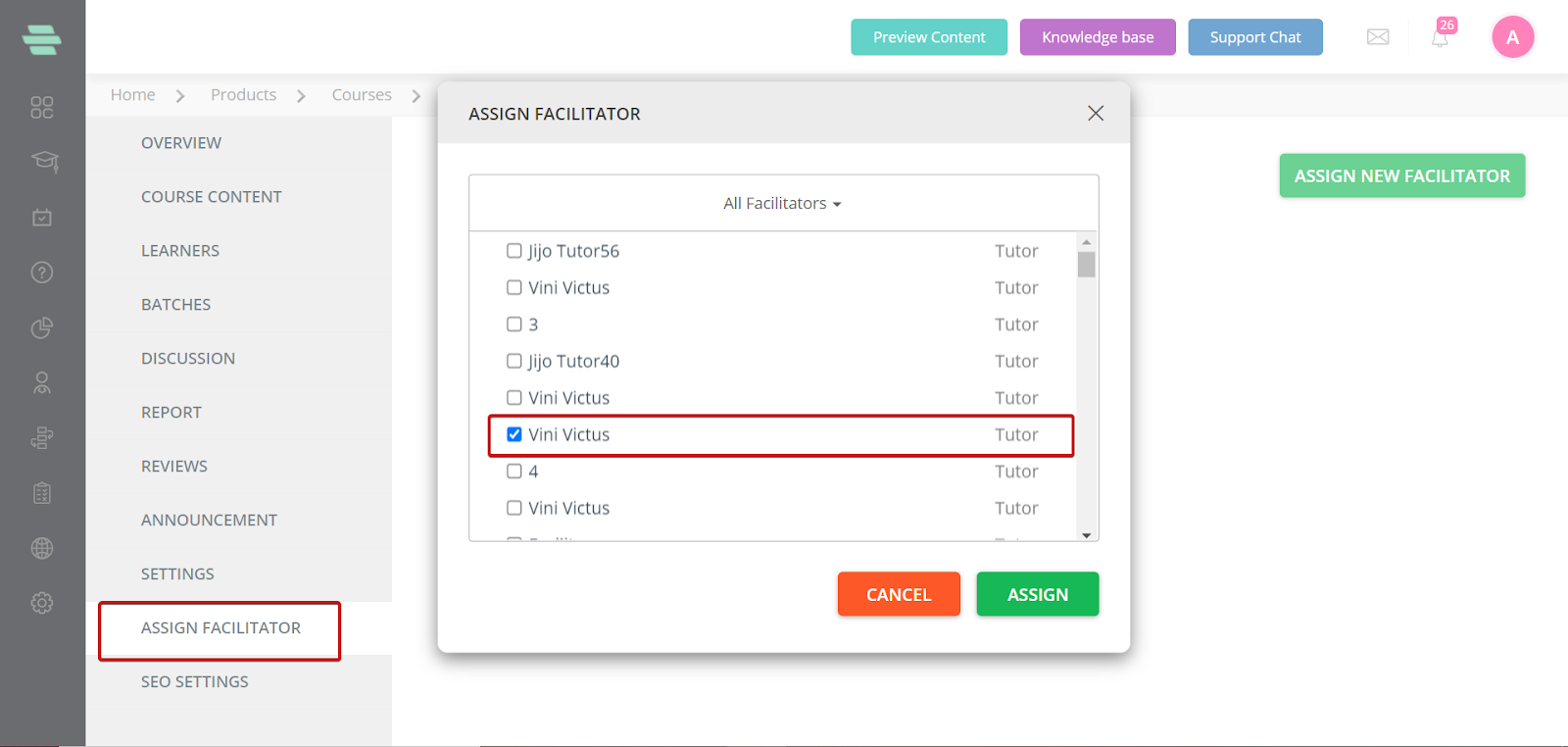
The Facilitators tab is used to add tutors
The Learners tab is used to add learners.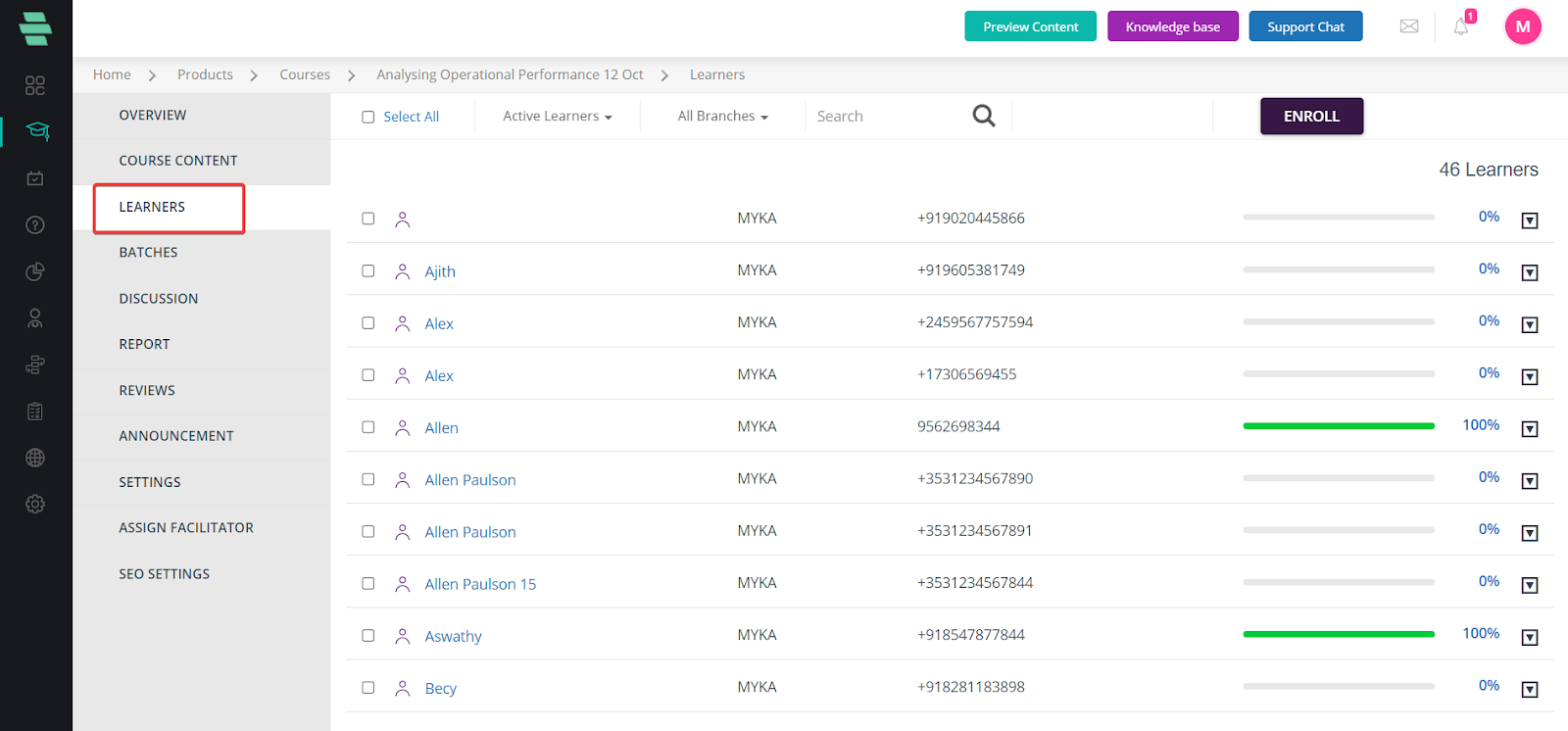
Follow the 4 steps given on the overview page to complete the creation process and Activate the course.